

How to restore old photos with AI
Make a clear scan, understand which damage can be repaired and check faces and estimated colors in the result.
Renilo · Published · Updated
Restore photos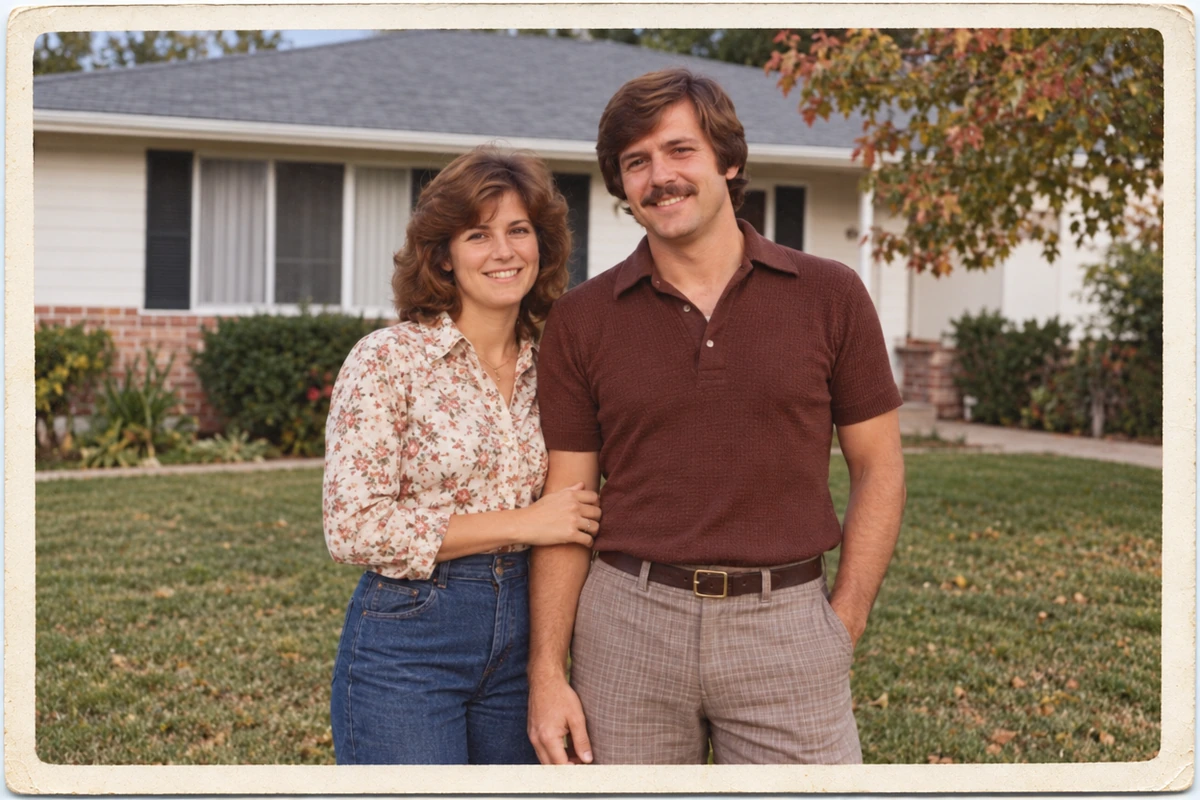
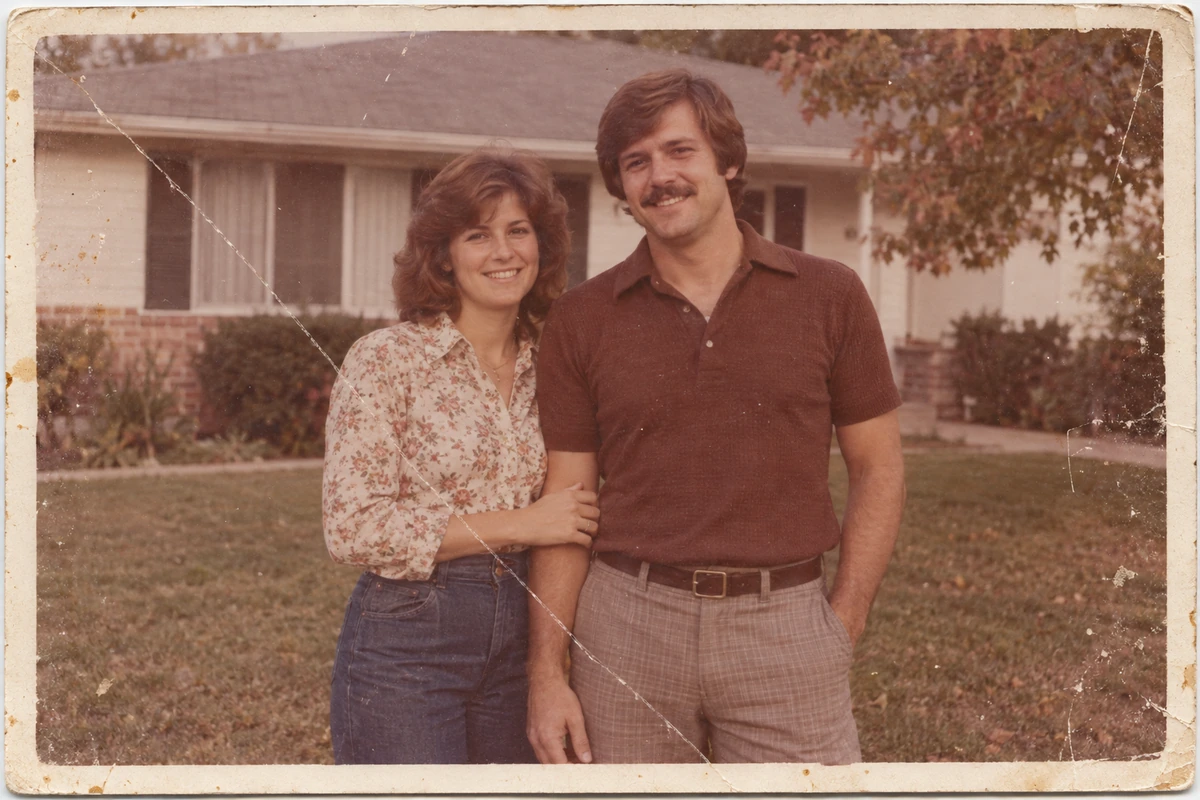 OriginalRepaired
Scan or photograph the whole print
If possible, scan the print flat and save a clear copy. If using a phone, place the photo in even light and hold the camera parallel to it. Avoid glare and shadows across faces. Keep the untouched scan as your original, and upload a JPG, PNG or WebP up to 50 MB.
Choose a photo with recognizable faces
Light or moderate scratches, small creases, stains and fading are suitable starting points. Faces and poses should still be recognizable. A torn area covering an entire face cannot be faithfully reconstructed from this photo alone. Search for another print or a better scan when important details are missing.
Treat restored color as an estimate
Renilo can add plausible color to black-and-white photos while repairing damage. Clothing, skin and background colors may differ from the historical scene. Compare them with your memories or other photographs. Restoration and colorization are part of this tool; the result is not proof of the original colors.
Upload, check and start the repair
Choose the old-photo restoration tool, upload your scan and review the initial checks. Uploading does not start paid AI processing. Sign in, add credits and confirm the repair when ready. A standard repair uses 10 credits, and processing usually takes 1–5 minutes. Time can vary by photo and demand.
Review the face and the damaged areas
Compare the original and result, checking facial identity, small marks, edges and clothing details. Look for invented details around severe damage. AI may make a photograph look cleaner without recovering its exact historical appearance. Keep both versions and describe a colorized copy as colorized when sharing it.
Download before the photo expires
Save the result as PNG within 24 hours of upload. Download before closing the project for a long period, and keep a separate local backup. If a result needs review, inspect the available image and read the service terms; visual dissatisfaction alone does not guarantee an automatic credit return.